 Izegrar
Anṣuf ar Thunderbird n izegrar.
Rnu timahilin neɣ iɣunab nniḍen akken ad terreḍ Thunderbird d ayla-k.
Mdel
![[Γur-k]](https://addons.thunderbird.net/static/img/developers/test-warning.png?b=58a99cbb-667a0970) Tisirag
Tisirag
Γef uzegrir agi
Based on Christian Wolf's original Smilie Inserter.
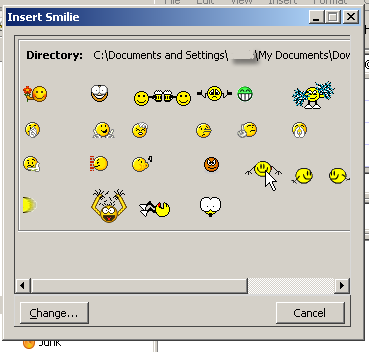
Simply select where you want to put a smilie in a message, open the smilie directory, and click the smilie you want.
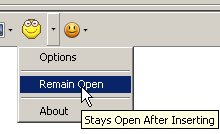
The toolbar button opens the last used directory of smilies.
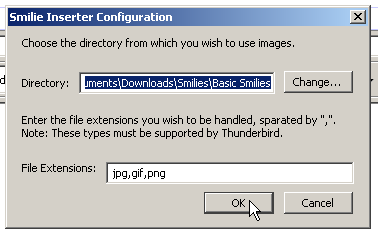
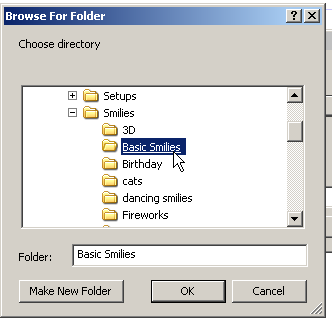
A different directory can be selected before opening using the Options menu or after opening using the Change button on the directory window.
Directory window is fully resizable and will re-open in it's last screen position and size.
Note: Smilies need to be obtained separately. E-mail me if you would like a "Starter Folder".
Simply select where you want to put a smilie in a message, open the smilie directory, and click the smilie you want.
The toolbar button opens the last used directory of smilies.
A different directory can be selected before opening using the Options menu or after opening using the Change button on the directory window.
Directory window is fully resizable and will re-open in it's last screen position and size.
Note: Smilies need to be obtained separately. E-mail me if you would like a "Starter Folder".
